
- Training & Teaching
- Founder Notes
What Teaching Taught Me About Software
Teaching reveals where products confuse people, where abstractions leak, and where better interfaces can do quiet work
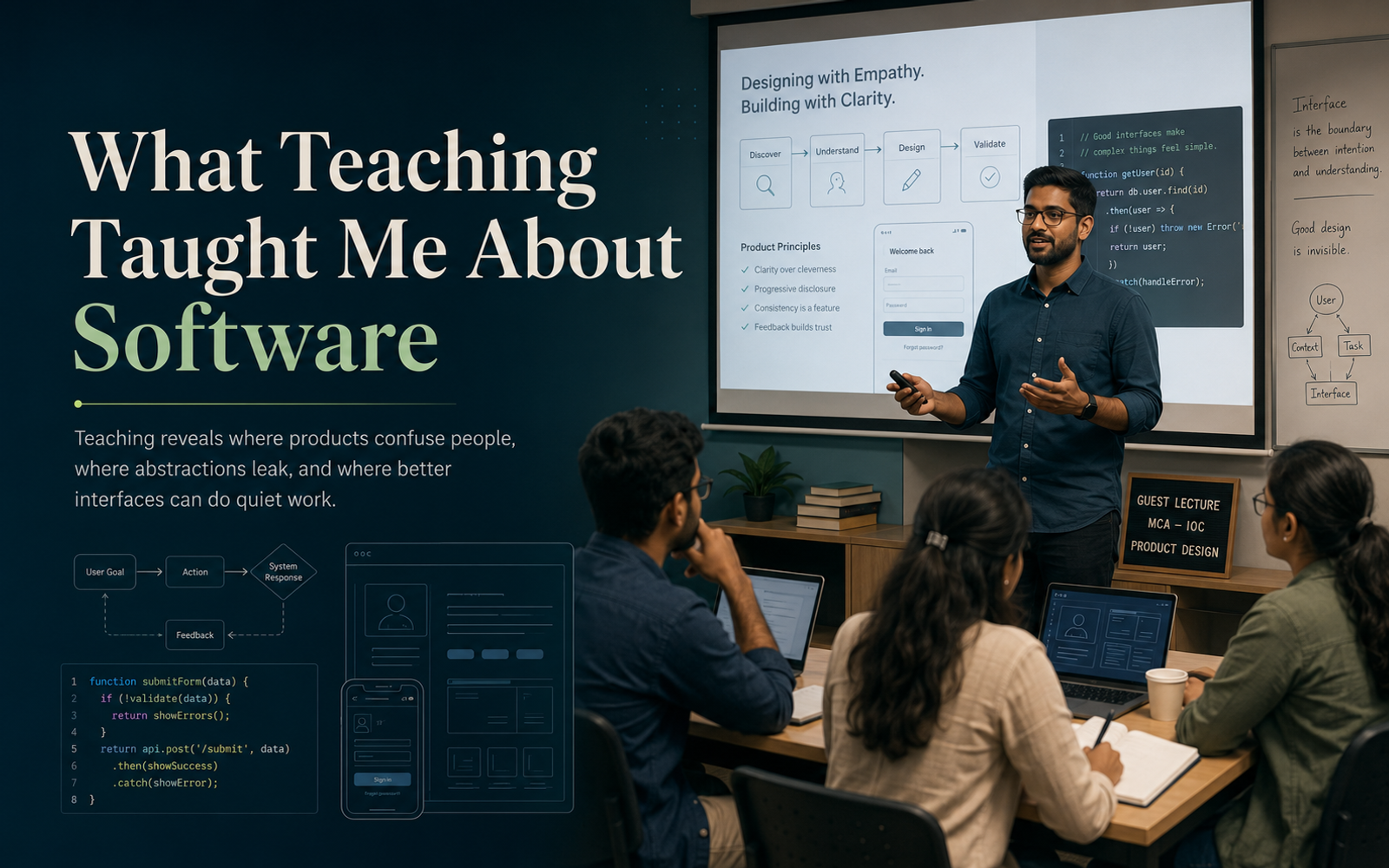
For most of my career, I understood software from the builder’s side.
I thought about architecture, components, state management, APIs, performance, deployment, scalability, and maintainability. I spent time deciding how systems should be structured and how code should behave.
Teaching forced me to look at software from the other side.
It made me observe what happens when someone encounters a tool, concept, interface, or codebase for the first time.
And that perspective has changed the way I build products.
Understanding Is Not the Same as Simplicity
As developers, we become comfortable with complexity.
We know why a button behaves in a certain way. We understand why a form has multiple steps. We know why users must verify an email, configure a project, generate an API key, or complete an onboarding flow.
Because we understand the system, the system feels simple to us.
But familiarity is not simplicity.
During guest lectures, workshops, and classroom sessions, I have repeatedly seen intelligent and capable learners struggle with things that developers often assume are obvious.
A confusing label can stop someone.
An unclear validation message can make them believe they are doing something wrong.
A missing loading indicator can make them click the same button multiple times.
A form with too many decisions can create hesitation before the user even begins.
Teaching made me realise that users do not experience the architecture behind a product. They experience the decisions placed in front of them.
Teaching Exposes Weak Abstractions
One of the best tests of understanding is trying to explain something clearly.
When I teach frontend development, full-stack application development, prompt engineering, Firebase, SvelteKit, or AI-assisted development, I have to break large ideas into smaller mental models.
- Why does this piece of code exist?
- What problem is this abstraction solving?
- What does the learner need to understand before moving forward?
- Where are they likely to get confused?
The same questions are useful when building software.
Sometimes, a concept is difficult to teach because the concept itself is complex.
But sometimes, it is difficult to teach because the abstraction is weak.
A function may technically work but have an unclear responsibility.
A reusable component may accept too many properties.
A dashboard may present information without helping the user understand what action to take.
A workflow may be logically correct but mentally exhausting.
Teaching makes these cracks visible.
When several learners misunderstand the same idea, it is rarely useful to say, “They should have understood it.”
The better question is:
“What could I have explained, structured, or designed differently?”
That question belongs in product development too.
The Classroom Is a Form of Usability Testing
Guest lectures have given me the opportunity to interact with students and professionals from varied backgrounds.
Some are comfortable with JavaScript. Some come from .NET, Angular, database architecture, design, or entirely different technical environments. Some are confident developers. Others are encountering modern application development for the first time.
This variety is valuable.
When the same concept is presented to people with different levels of experience, hidden assumptions become visible.
A developer may assume everyone understands asynchronous execution.
A designer may assume everyone sees the visual hierarchy.
A product owner may assume the next step is obvious.
A teacher cannot afford those assumptions.
You have to watch the room.
You notice where attention drops.
You notice where learners begin copying code without understanding it.
You notice where too many new terms are introduced at once.
You notice when a learner says they understand, but their next question reveals that the mental model is still incomplete.
That is usability testing in a very human form.
The feedback is not always given directly. It appears through hesitation, silence, repeated mistakes, and the questions people ask.
Products communicate in the same way.
Users may never submit a detailed complaint. They may simply abandon the form, avoid the feature, or return to a familiar manual process.
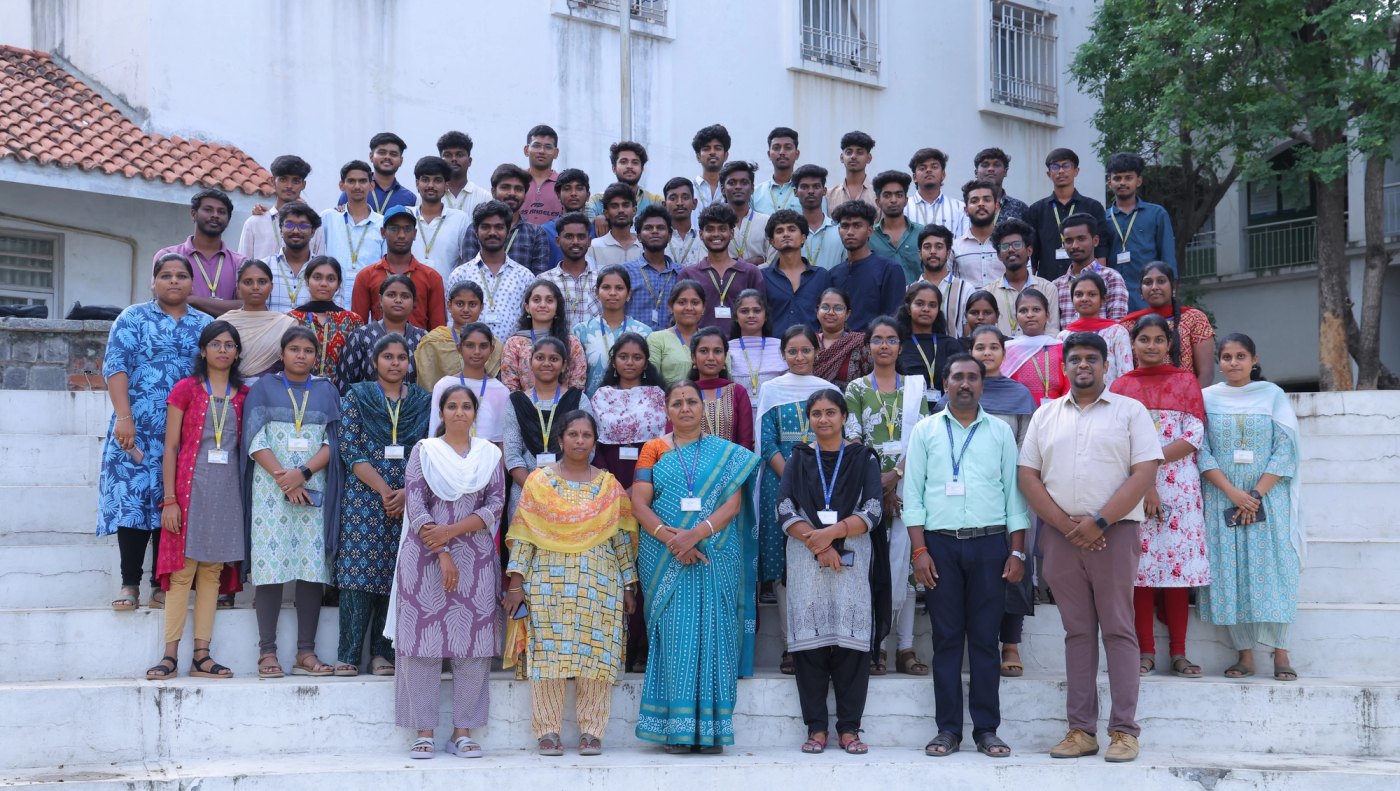
Lessons from the IOC Course at Sona MCA
One of the most meaningful parts of my teaching journey was conducting the “Building Full Stack Applications with AI” IOC course for Sona MCA students through SymphoZen Labs.
The course brought together several layers of modern development:
- Svelte and SvelteKit
- Tailwind CSS
- Firebase
- Full-stack application workflows
- Prompt engineering
- Using AI as part of the development process
Teaching these concepts as an integrated course was very different from explaining them individually.
Students were not just learning syntax. They were learning how a product moves from an idea to an interface, from an interface to data, and from data to a working application.
That experience reinforced an important lesson:
People learn systems better when they understand the purpose of each part.
A database becomes easier to understand when it solves a real application need.
Authentication becomes meaningful when learners see why user identity matters.
Prompt engineering becomes practical when it produces output that the application can actually use.
Frontend components become more than visual elements when they are connected to real user actions.
The course also reminded me that confidence grows through small wins.
A student seeing their first successful Firebase write is a small moment technically, but a large moment psychologically.
A page rendering dynamic data may feel ordinary to an experienced developer, but for a learner, it proves that they can build something real.
Good software should create similar moments.
It should help users feel capable.
Errors Are Part of the Interface
In development, we often treat errors as technical events.
In teaching, errors are emotional events too.
A learner may see an error message and immediately assume they are not good enough.
A student may encounter a failed deployment and believe the entire project is broken.
A small syntax issue can create disproportionate frustration when the person does not yet know how to debug it.
This changed the way I think about product errors.
An error message should not merely describe failure.
It should help the user recover.
“Something went wrong” is technically an error message, but it offers no direction.
A better message answers three questions:
- What happened?
- Why might it have happened?
- What can the user do next?
Teaching showed me that helpful systems do not punish uncertainty. They guide people through it.
Good Interfaces Perform Quiet Work
The best interfaces often feel almost invisible.
They reduce the number of decisions a user must make.
They prevent mistakes before they occur.
They show examples at the right time.
They provide sensible defaults.
They explain unfamiliar terms without overwhelming the user.
They reveal complexity gradually.
This is quiet work.
Users may never praise a form because its fields appeared in the correct order. They may never notice that a confusing option was removed. They may never realise that an error was prevented before submission.
But they feel the result.
The experience feels smooth.
The product feels trustworthy.
The task feels manageable.
Teaching works in a similar way.
A well-structured session may look effortless, but behind it are decisions about pacing, sequencing, examples, repetition, exercises, and transitions.
Software design requires the same care.
Building for the Beginner Improves the Product for Everyone
There is a misconception that designing for beginners means oversimplifying a product.
I have found the opposite to be true.
When a workflow is clear for a beginner, it is usually faster for an expert.
When terminology is precise, everyone benefits.
When error messages are actionable, support requests reduce.
When interfaces communicate hierarchy clearly, users move with confidence.
When documentation explains the “why,” not just the “how,” teams make better decisions.
Designing for clarity does not reduce capability.
It reduces unnecessary cognitive load.
Complex products can still be powerful without constantly reminding users that they are complex.
Teaching Changed the Questions I Ask
Earlier, while reviewing a feature, I might have asked:
- Does it work?
- Is the code reusable?
- Is the implementation scalable?
- Is the UI visually consistent?
- Is the performance acceptable?
I still ask those questions.
But teaching added new ones:
- Will a first-time user understand what to do?
- What knowledge are we assuming?
- Where will someone hesitate?
- What mistake is most likely to happen?
- Does the interface help the user recover?
- Can the product explain itself without documentation?
- Are we making users remember something the system could remember for them?
- Are we exposing technical complexity that the product should handle quietly?
These questions have made me a better developer, product thinker, and founder.
Software Is Also a Form of Teaching
Every product teaches its users something.
It teaches them what actions are possible.
It teaches them what the organisation values.
It teaches them how information is structured.
It teaches them what happens after they click a button.
It teaches them whether mistakes are recoverable.
It teaches them whether the system can be trusted.
A confusing product teaches users to be cautious.
An inconsistent product teaches users to double-check everything.
A thoughtful product teaches users that they can move forward confidently.
That is why interface design is not only about aesthetics.
Documentation is not only about support.
Onboarding is not only about activation.
Error handling is not only about debugging.
They are all forms of teaching.
The Most Valuable Lesson
Through guest lectures, workshops, mentoring, and the IOC course at Sona MCA, teaching has continually reminded me that knowledge should not remain trapped inside the person who built the system.
Good teaching transfers understanding.
Good software does the same.
It takes complexity, structure, rules, and technical decisions and turns them into something another person can use with confidence.
Teaching has made me more patient with users, more suspicious of unnecessary complexity, and more attentive to the small moments where confusion begins.
It has taught me that a product is not truly simple because its builders understand it.
It is simple when its users do.
And sometimes, the most meaningful work software can perform is quiet:
helping someone understand what to do next.